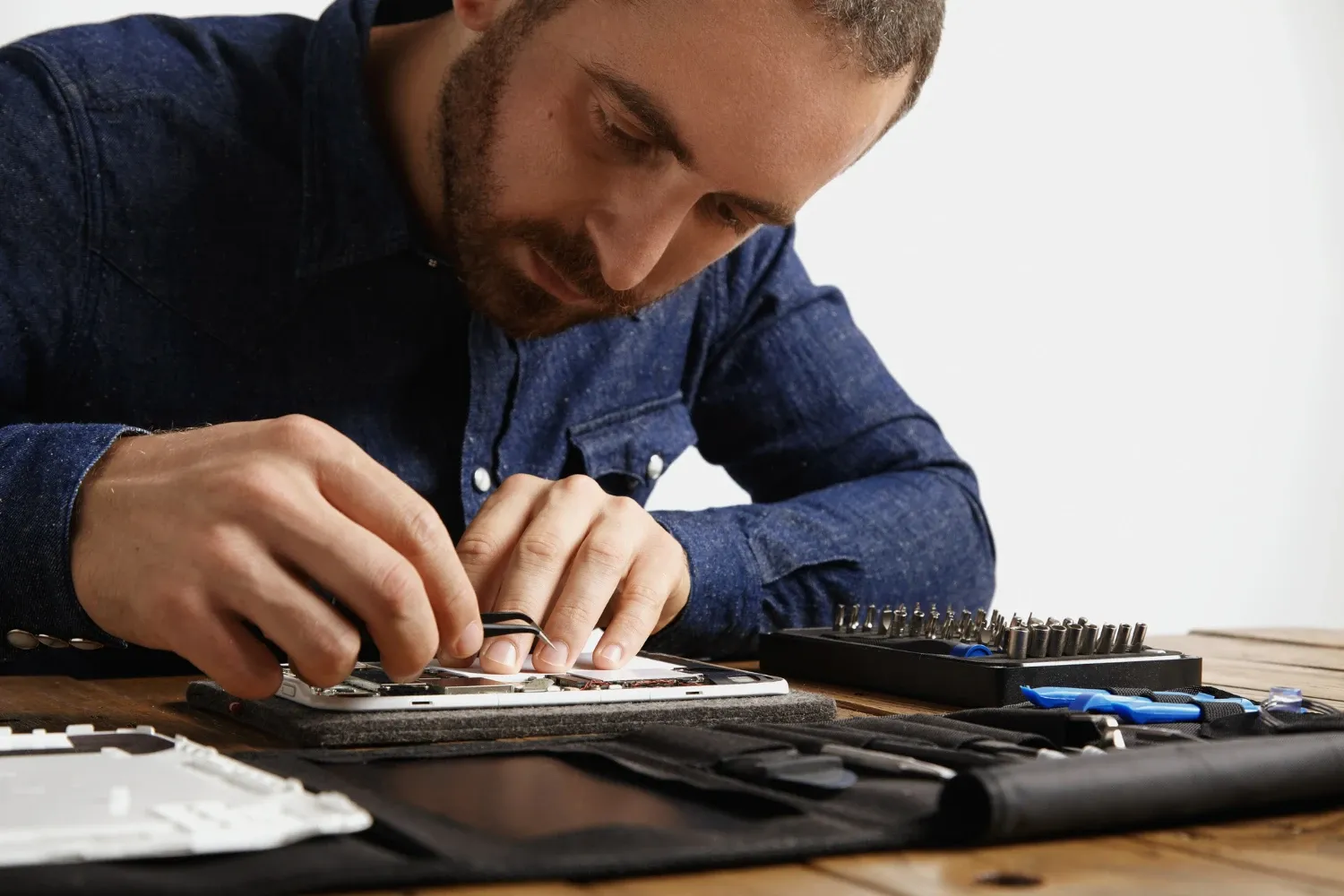
Upgrading the hardware of your device can provide a significant performance boost, helping it keep pace with the demands of modern software and tasks. Whether you’re using a laptop, desktop, or mobile device, several key upgrades can dramatically enhance your experience. Let’s explore how you can maximize your device’s power with the right hardware upgrades in 2024.
Upgrade Your Storage to an SSD
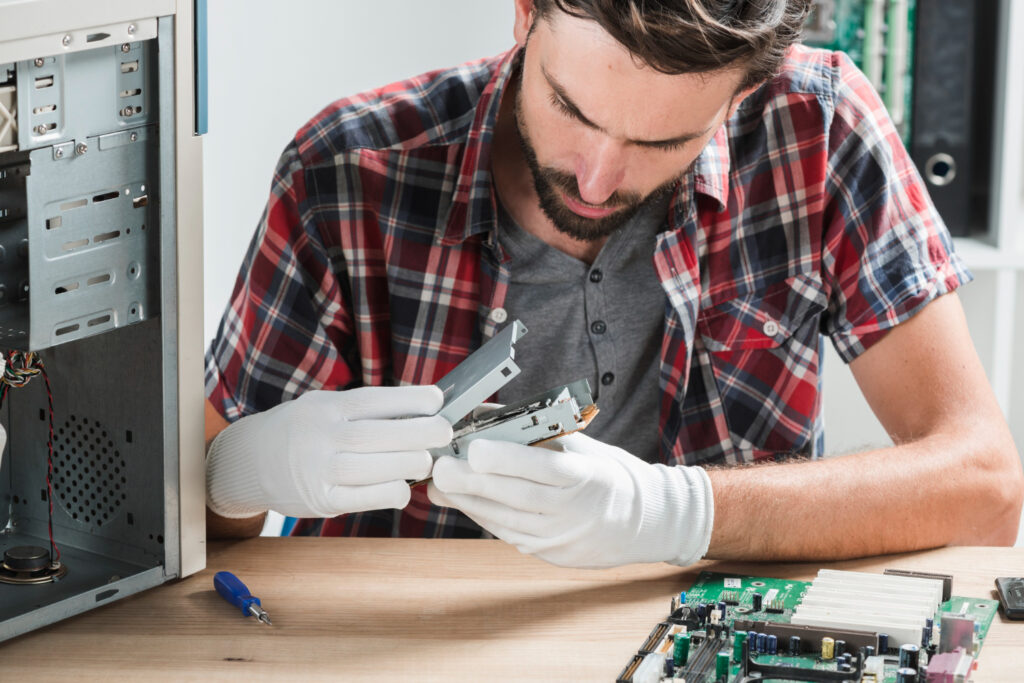
One of the most impactful upgrades you can make to your device is switching from a traditional hard drive (HDD) to a solid-state drive (SSD). SSDs are faster, more durable, and provide improved performance for all types of tasks, from booting up your device to loading applications. In 2024, the price of SSDs has dropped significantly, making them a more accessible option for improving device speed. Not only will an SSD make your computer run faster, but it will also help extend its lifespan by reducing wear on other components.
Upgrading to an SSD is especially beneficial for older devices that may be struggling with sluggish performance. Modern devices typically come with SSDs, but for those still using HDDs, this simple upgrade can make a world of difference. Whether you opt for a SATA SSD or a faster NVMe drive, your system will feel noticeably more responsive.
Increase RAM for Multitasking Efficiency
Random Access Memory (RAM) is another critical factor in the performance of your device. If you often run multiple applications at once or use resource-intensive programs like video editing software or video games, upgrading your RAM can significantly improve performance. In 2024, 16GB of RAM is considered the sweet spot for most users, while heavy-duty users, such as gamers and content creators, may benefit from 32GB or more.
When upgrading RAM, make sure to check your device’s specifications to ensure compatibility with the type of RAM you want to install. Increasing RAM will allow for smoother multitasking, faster data processing, and a more responsive user experience overall.
Graphics Card (GPU) Upgrade for Power Users
If you’re into gaming, 3D modeling, or video editing, upgrading your graphics card (GPU) is essential. The latest GPUs, such as NVIDIA’s RTX 40-series and AMD’s Radeon RX 7000-series, provide unparalleled performance, delivering ultra-fast rendering times, smoother gaming experiences, and better graphics quality. These GPUs are built for tasks like ray tracing, which adds realistic lighting effects, and are essential for modern games and creative applications.
For those looking to get into virtual reality (VR) or augmented reality (AR), a more powerful GPU will be required to handle these immersive experiences. Upgrading your graphics card can also extend the life of your device, ensuring it can handle the latest software without slowing down.
Swap Out Your CPU for a Faster Processor
The central processing unit (CPU) is the brain of your device, and upgrading it can have a profound effect on your system’s performance. In 2024, Intel’s 13th-generation Core processors and AMD’s Ryzen 7000 series offer significant improvements in multi-threaded processing, power efficiency, and overall computing performance. For power users who frequently run complex software, such as design programs, simulations, or even virtual machines, a faster CPU can drastically reduce processing times.
Upgrading the CPU often requires replacing the motherboard, so it’s important to ensure compatibility between the two. This upgrade is particularly beneficial for those who require high processing power for tasks like video editing, data analysis, and gaming.
Switch to a 4K or High Refresh Rate Display
In 2024, the demand for high-quality displays has increased, with more users opting for 4K or high refresh rate monitors for a better viewing experience. If you’re a gamer, creative professional, or anyone who enjoys watching high-definition content, upgrading your monitor can elevate your experience. 4K displays offer four times the resolution of standard 1080p screens, providing sharper images and more vibrant colors.
For gamers, a monitor with a high refresh rate (120Hz or more) ensures smoother gameplay, reducing motion blur and input lag. A high refresh rate is especially critical for fast-paced games, where every millisecond counts.
Enhance Battery Life with New Power Solutions
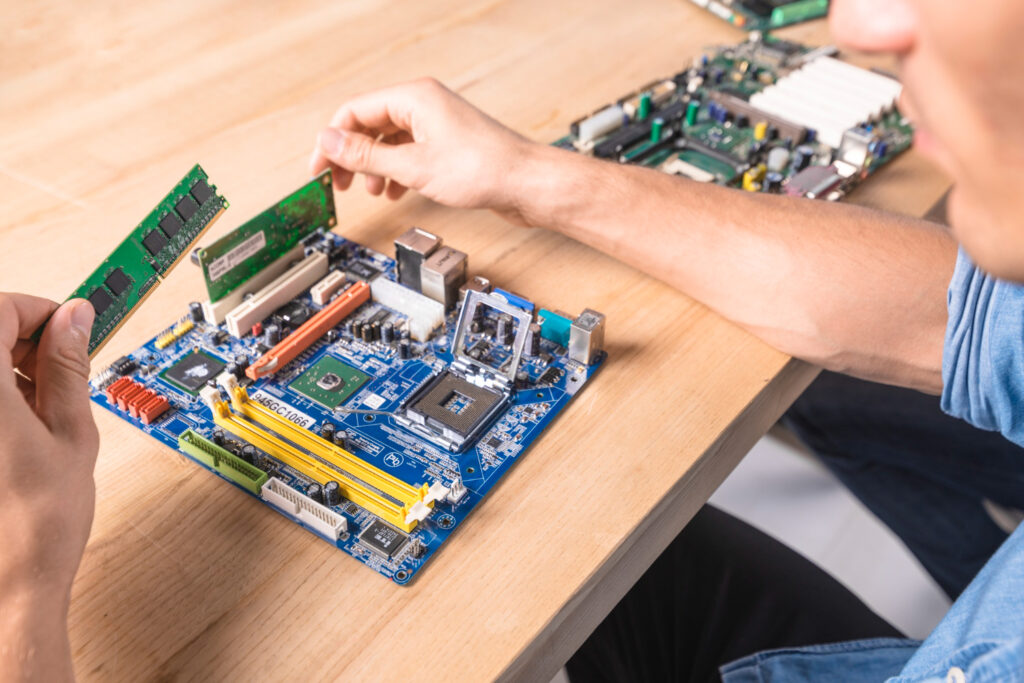
For mobile users, upgrading your battery can make a noticeable difference in how long your device lasts between charges. While modern smartphones, laptops, and tablets typically have long battery lives, you may notice that the battery starts to degrade over time. Replacing an old battery with a new one can restore your device’s original performance. Additionally, consider upgrading to a more efficient power management system or investing in portable power banks for longer on-the-go use


Leave a Reply